

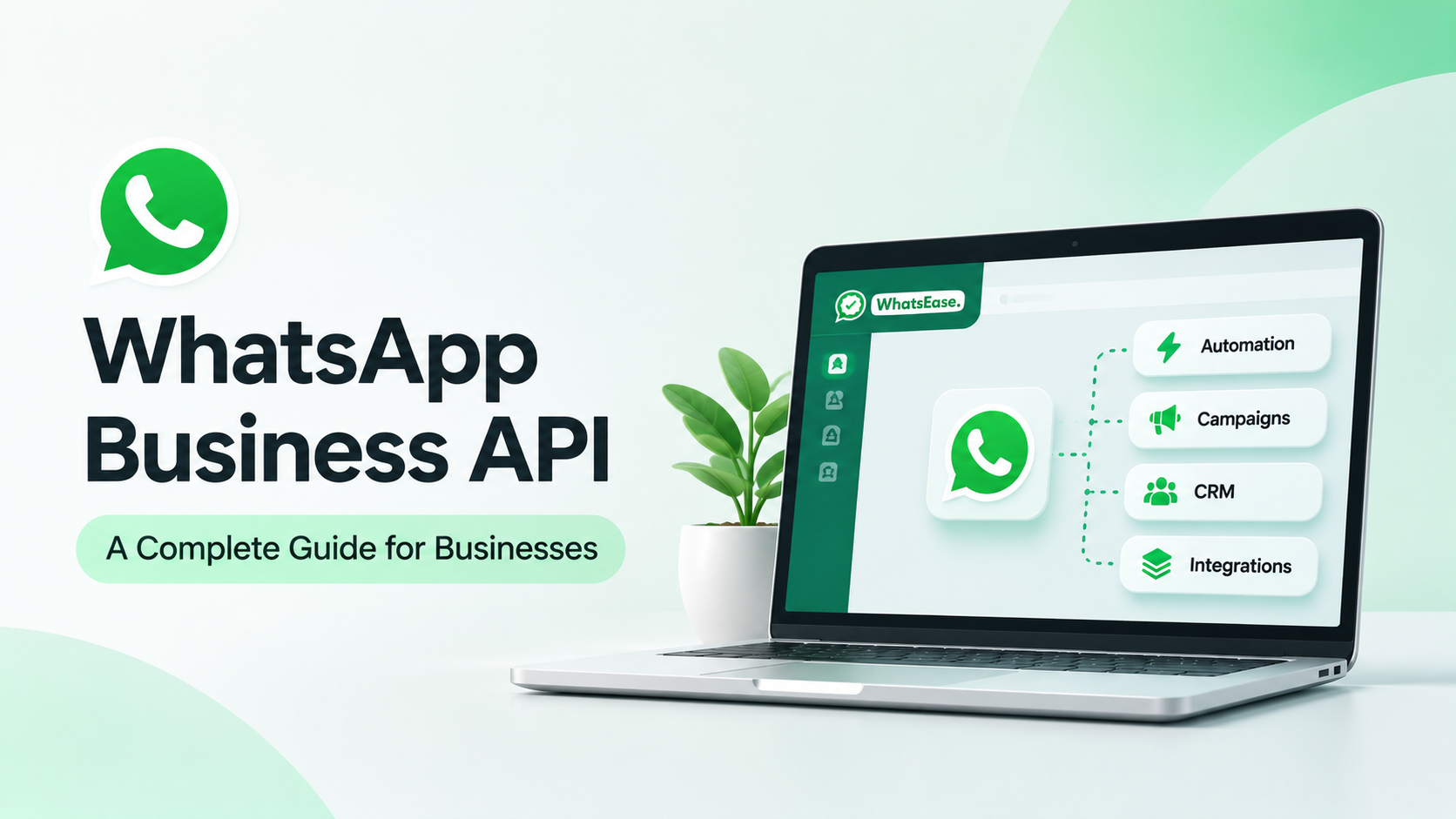
Want to connect WhatsApp with your CRM, automate customer conversations or send messages at scale? The WhatsApp Business API makes it possible. Here's everything businesses need to know before getting started.
WhatsApp is no longer just a messaging application for businesses. Companies now use it to generate leads, manage customer support, send order updates, collect payments and automate sales conversations.
But the regular WhatsApp Business App has limitations when businesses start scaling.
This is where the WhatsApp Business API, officially known as the WhatsApp Business Platform, comes in.
What Is the WhatsApp Business API?
The WhatsApp Business API is Meta's official business messaging interface that allows companies to connect WhatsApp with external software, CRM systems and automation platforms.
Unlike the regular WhatsApp Business App, it is designed for programmatic messaging and business-scale communication.
Businesses can use it to:
- Send notifications and approved marketing messages.
- Build WhatsApp chatbots and AI assistants.
- Automate customer support and lead generation.
- Connect WhatsApp with CRM and ecommerce platforms.
- Manage conversations across multiple agents.
- Track message delivery and campaign performance.
The API is not a separate messaging application. Businesses typically access its capabilities through their own software or a WhatsApp platform provider.
WhatsApp Business App vs WhatsApp Business API
| Feature | Business App | Business API |
|---|---|---|
| Manual customer chats | Yes | Through connected software |
| Automated greetings | Yes | Yes |
| Advanced chatbot workflows | Limited | Yes |
| CRM integration | Limited | Yes |
| Multiple agent management | Limited | Yes |
| Bulk messaging | Limited broadcast capabilities | Template-based campaigns |
| AI integrations | Limited | Supported |
| Custom integrations | Limited | Yes |
The Business App is suitable for smaller businesses managing conversations manually. The Business Platform is better suited to businesses that need advanced automation, integrations and scalable team workflows.
WhatsApp Cloud API vs WhatsApp Business API
These terms are often used interchangeably, but they aren't exactly the same.
WhatsApp Business Platform is the overall business messaging ecosystem.
WhatsApp Cloud API is Meta's cloud-hosted API that developers and software platforms use to send and receive WhatsApp messages.
Businesses can integrate directly with Cloud API or use a provider that offers ready-made software on top of it.
Key Features of the WhatsApp Business API
- Message Templates: Send approved marketing, utility and authentication templates.
- Chatbots and Automation: Build automated workflows for enquiries, support and sales.
- Interactive Messages: Use supported buttons, lists, media and WhatsApp Flows.
- CRM Integration: Connect customer conversations with lead and contact management.
- Webhooks: Receive incoming messages, delivery updates and other messaging events.
- Team Collaboration: Manage conversations through shared inboxes and multiple agents.
- Ecommerce Integration: Connect platforms such as Shopify to automate orders and customer updates.
Requirements to Get the Official WhatsApp API
Businesses generally need:
- A Meta Business Portfolio.
- A WhatsApp Business Account.
- A business phone number that can be registered.
- A suitable business display name.
- Required permissions and account access.
- Customer opt-in for business-initiated messaging.
Business verification and messaging limits depend on Meta's onboarding and account requirements.
You can onboard directly through Meta's developer tools or use an eligible WhatsApp Solution Provider.
WhatsApp Business API Pricing in India (2026)
The API itself does not require a separate per-message API access fee. Meta's messaging charges and your software provider's fees are separate.
Meta's November 2026 India rate card lists:
| Message category | Meta rate |
|---|---|
| Marketing | ₹0.8631 |
| Utility | ₹0.115 |
| Authentication | ₹0.115 |
| Service | First 1,000 monthly messages per phone number free; then ₹0.115 |
Rates are per applicable delivered message, before taxes and additional provider charges. Pricing rules and eligibility conditions apply.
Your total cost may include:
- Meta messaging charges.
- WhatsApp platform subscription.
- Automation or CRM fees.
- AI usage charges.
- Additional integration or setup fees.
Always compare the complete operating cost rather than just the provider's monthly subscription.
What Are WhatsApp Message Templates?
Templates are pre-approved message formats used for business-initiated messaging outside the customer-service window.
Meta primarily classifies them into three categories:
- Marketing: Offers, promotions and product announcements.
- Utility: Order confirmations, delivery updates and transactional notifications.
- Authentication: OTPs and account verification messages.
Businesses must also follow applicable opt-in and messaging policies.
What Is a WhatsApp Solution Provider?
A WhatsApp Solution Provider helps businesses access the WhatsApp Business Platform through software, onboarding assistance and additional services.
Instead of developing an entire messaging infrastructure, businesses can use a provider's existing platform.
Look for features such as:
- Shared team inbox.
- WhatsApp CRM.
- Chatbot and AI automation.
- Campaign management.
- Analytics and reporting.
- Ecommerce and third-party integrations.
- Transparent pricing and support.
Who Should Use the WhatsApp Business API?
The platform is useful across industries:
- Ecommerce: Order notifications, abandoned cart recovery and product enquiries.
- Healthcare: Appointment reminders and patient communication.
- Education: Admissions enquiries and lead qualification.
- Real Estate: Property enquiries and sales follow-ups.
- Financial Services: Customer notifications and service workflows.
- Retail: Promotions, product discovery and customer support.
Manage Your WhatsApp Business API With WhatsEase
WhatsEase helps businesses turn the WhatsApp Business Platform into a connected customer engagement and commerce system.
With WhatsEase, businesses can manage:
- WhatsApp CRM and Universal Inbox.
- Bulk campaigns and message analytics.
- AI-powered customer conversations.
- Chatbot and automation workflows.
- Shopify and Google Sheets integrations.
- Lead management and team collaboration.
- Payment collection and conversational commerce.
Instead of building separate systems for every customer interaction, businesses can manage more of their WhatsApp operations through one platform.
Explore WhatsEase and simplify how your business communicates with customers on WhatsApp.
Final Thoughts
The WhatsApp Business API gives businesses the infrastructure to move beyond manual messaging.
Whether you want to automate customer support, connect your CRM, run marketing campaigns or build conversational commerce experiences, the official WhatsApp Business Platform provides the foundation.
The right provider and software layer can make that infrastructure much easier to use.
Don't just use WhatsApp to communicate. Build your business workflows around it.
About WhatsEase
WhatsEase is a WhatsApp conversational commerce and CRM platform that helps businesses manage customer conversations, automate workflows, capture leads, sell products, collect payments and scale customer engagement on WhatsApp.